
Decoding App Permissions: What Every User Should Know Before Downloading an APK
DiscoverAPK Editorial · 30 August 2026
Understanding app permissions is crucial for ensuring your safety while downloading APKs, especially earning apps. This guide covers everything you need to know.
Introduction
In today's digital landscape, apps have become an integral part of our daily lives. From social networking to banking, we rely on various applications for convenience and connectivity. However, with this reliance comes a significant responsibility—understanding app permissions. In Pakistan, where mobile app usage is soaring, it's essential to be vigilant about the permissions we grant to apps, especially earning apps that promise financial rewards.
This guide aims to educate users about app permissions, helping you navigate the often confusing landscape of what these permissions mean and how they impact your data privacy and security. By understanding app permissions, you can make informed decisions and mitigate the risks associated with downloading potentially unsafe apps.
Who This Is For
This guide is tailored for:
- General App Users: Anyone who downloads apps on their smartphone or tablet and wants to ensure their data remains secure.
- Earning App Enthusiasts: Users interested in earning apps that promise financial rewards but are unsure about their safety.
- Parents and Guardians: Individuals responsible for managing their children's app usage and ensuring their safety online.
- Tech-Savvy Individuals: Users looking to deepen their understanding of app permissions and mobile security.
How to Evaluate Apps
Evaluating an app before downloading it is crucial, especially in a market filled with both legitimate and potentially harmful apps. Here are some steps to help you evaluate apps effectively:
1. **Check the Developer** - Research the developer's background. Look for established companies with a good reputation. - Check if the developer has other apps and how they are rated.
2. **Read Reviews and Ratings** - Go through user reviews on the app store. Look for patterns in feedback regarding permissions and data usage. - Pay attention to negative reviews that mention issues with privacy or security.
3. **Analyze App Permissions** - Before downloading, review the permissions the app requests. This is crucial for understanding what data the app wants to access. - Be wary of apps that request excessive permissions unrelated to their functionality.
4. **Research Online** - Look for articles or forums discussing the app. Websites like DiscoverAPK can provide valuable insights into trending apps and user experiences. - Utilize social media platforms to gather opinions from other users.
5. **Use Security Software** - Install reputable mobile security software to scan apps for potential threats before downloading. - Make sure your device's security settings are updated to prevent unwanted installations.
Step-by-Step Guidance on Understanding App Permissions
Understanding app permissions can be daunting, but breaking it down into manageable steps can simplify the process. Here's a step-by-step guide:
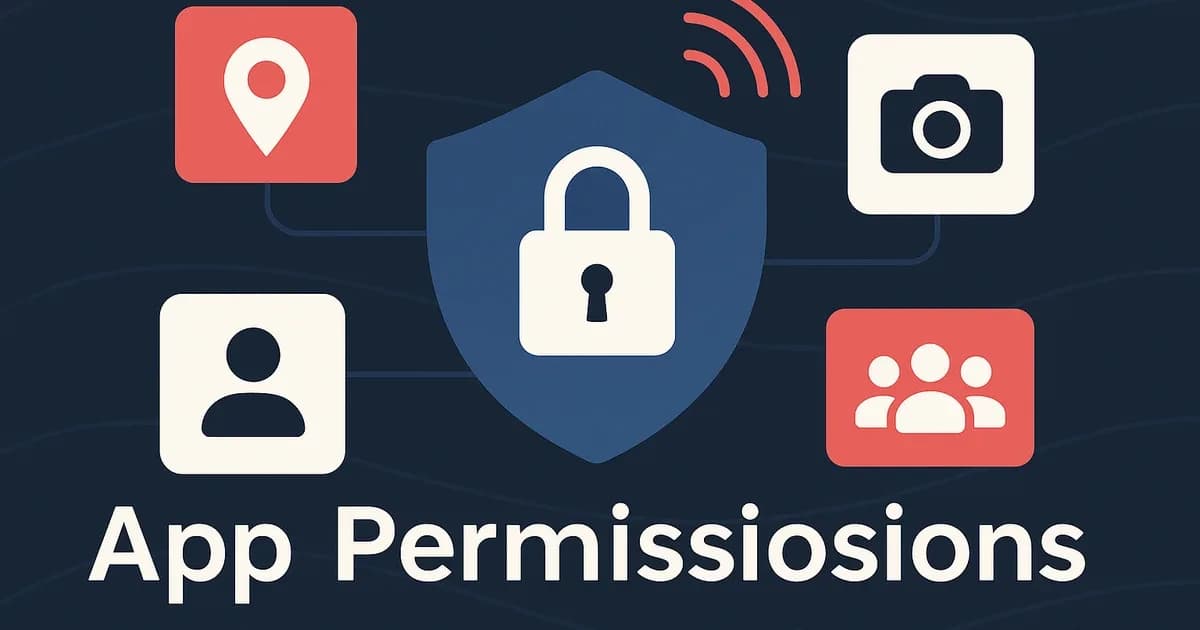
Step 1: **Understanding Common Permissions** - **Location Access**: Apps that request access to your location may use this data for services like mapping or local recommendations. However, if a game or a simple tool asks for this permission, it could be unnecessary. - **Camera and Microphone Access**: Apps that require access to your camera or microphone should only do so if they are related to photography, video calling, or voice recording. Be cautious of apps that request these permissions without clear justification. - **Contacts Access**: If an app requests access to your contacts, it should be for social networking or communication purposes. If it’s a game or unrelated app, this permission may be excessive. - **Storage Access**: Apps may request access to your device’s storage to save files or media. Ensure that the app justifies this need.
Step 2: **Evaluating Permission Requests** - When installing an app, you will see a list of requested permissions. Take the time to evaluate each one. Consider whether the app truly needs that permission to function. - If an app requests permissions that seem unrelated to its purpose, it’s a red flag. For example, a flashlight app should not need access to your contacts or location.
Step 3: **Using App Permission Managers** - Many Android devices come with built-in app permission managers. Use these settings to control what permissions each app has access to. - You can revoke permissions after installation if you feel uncomfortable with them. Regularly review your app permissions to ensure they align with your comfort level.
Step 4: **Researching App Alternatives** - If you find an app that requests excessive permissions, consider looking for alternatives that provide similar functionality with fewer permissions. - Websites like DiscoverAPK often have categorized lists of apps, making it easier to find safer options.
Step 5: **Staying Informed About Updates** - Developers frequently update their apps, which can include changes to permissions. Regularly check for updates and review permission requests that may change over time. - Keep an eye on user feedback regarding updates, as they may reveal new issues or improvements related to permissions.
Bonuses and Referrals Caveats
While many earning apps offer bonuses for signing up or referring friends, it's crucial to approach these offers with caution. Here are some caveats to consider:
- Verify Legitimacy: Ensure that the app is legitimate before participating in referral programs. Check user reviews and ratings.
- Understand Terms and Conditions: Read the fine print regarding bonuses and referrals. Some apps may have hidden clauses that could lead to unexpected issues.
- Avoid Sharing Sensitive Information: Be cautious about sharing personal or financial information, even during referral processes.
- Watch for Spam: Some earning apps may bombard you with spam or unwanted notifications as part of their referral strategy.
Safety First: Protecting Your Data
Staying safe while using apps is paramount, especially when it comes to your personal data. Here are some safety tips:
- Download from Trusted Sources: Always download apps from reputable sources like the Google Play Store or DiscoverAPK. Avoid third-party sites that may host malicious APKs.
- Enable Play Protect: Utilize Google Play Protect to scan apps for malware and security issues. This feature is built into Android devices and provides an additional layer of protection.
- Use VPNs: When using earning apps that require internet access, consider using a VPN to protect your data from potential breaches.
- Regularly Update Your Device: Keeping your device updated ensures that you have the latest security patches, reducing vulnerabilities.
- Educate Yourself About Scams: Familiarize yourself with common app scams and phishing attempts. Being informed is your best defense against fraud.
FAQs
1. **What are app permissions?** App permissions are requests made by applications to access certain features or data on your device, such as your camera, location, contacts, and storage.
2. **Why are app permissions important?** Understanding app permissions helps protect your personal data and privacy. It allows you to make informed decisions about which apps to download and what information you share.
3. **How can I check app permissions?** You can check app permissions in your device settings under the 'Apps' or 'Application Manager' section. You can also view permissions during the app installation process.
4. **Are all apps that request permissions unsafe?** Not necessarily. Some permissions are essential for the app’s functionality. However, excessive or irrelevant permissions can be a sign of a potentially unsafe app.
5. **How can I stay updated on app safety?** Follow tech blogs, forums, and websites like DiscoverAPK for the latest information on app safety, trends, and user experiences.
Conclusion
Understanding app permissions is essential in today’s digital age, especially for those exploring earning apps. By evaluating apps carefully and staying informed about the permissions they request, you can protect your data and enhance your overall safety. For more insights on app safety, check out our [Categories](https://discoverapk.com/categories), explore [Trending](https://discoverapk.com/trending) apps, or discover the latest [Offers](https://discoverapk.com/offers) on DiscoverAPK. Remember, knowledge is your best ally in navigating the world of mobile applications safely.
DiscoverAPK is a discovery/referral informational platform for APKs and earning games in Pakistan — not a game operator. Bonuses, deposits, and gameplay occur on third-party platforms.
More guides
Spotting Red Flags: How to Identify Scam Earning Apps
Learn how to distinguish legitimate earning apps from scams with this comprehensive guide. Discover red flags, evaluation tips, and safety practices for APK security.
10 Essential Questions to Ask Before Downloading an Earning App in Pakistan
Empower yourself with critical questions to evaluate the credibility and safety of earning apps before downloading. Ensure your choices are informed and secure.
Understanding the Legal Landscape of Earning Apps in Pakistan
Explore the legal considerations and regulations surrounding earning apps in Pakistan to make informed choices and ensure compliance in your online endeavors.